
The switcher's guide
Switch from QuickBooks Self-Employed
without starting your books over.
Two things move from QuickBooks Self-Employed to ExpenseDuck: your transactions and your mileage. Invoices and clients don't come across, because QuickBooks Self-Employed has no bulk export for them. Your receipts download as a ZIP file that you keep for your records. Export those two files, import them here, and your year picks up right where it left off. Most people who switch from QuickBooks Self-Employed finish the whole thing in an afternoon. Here's exactly how, step by step.
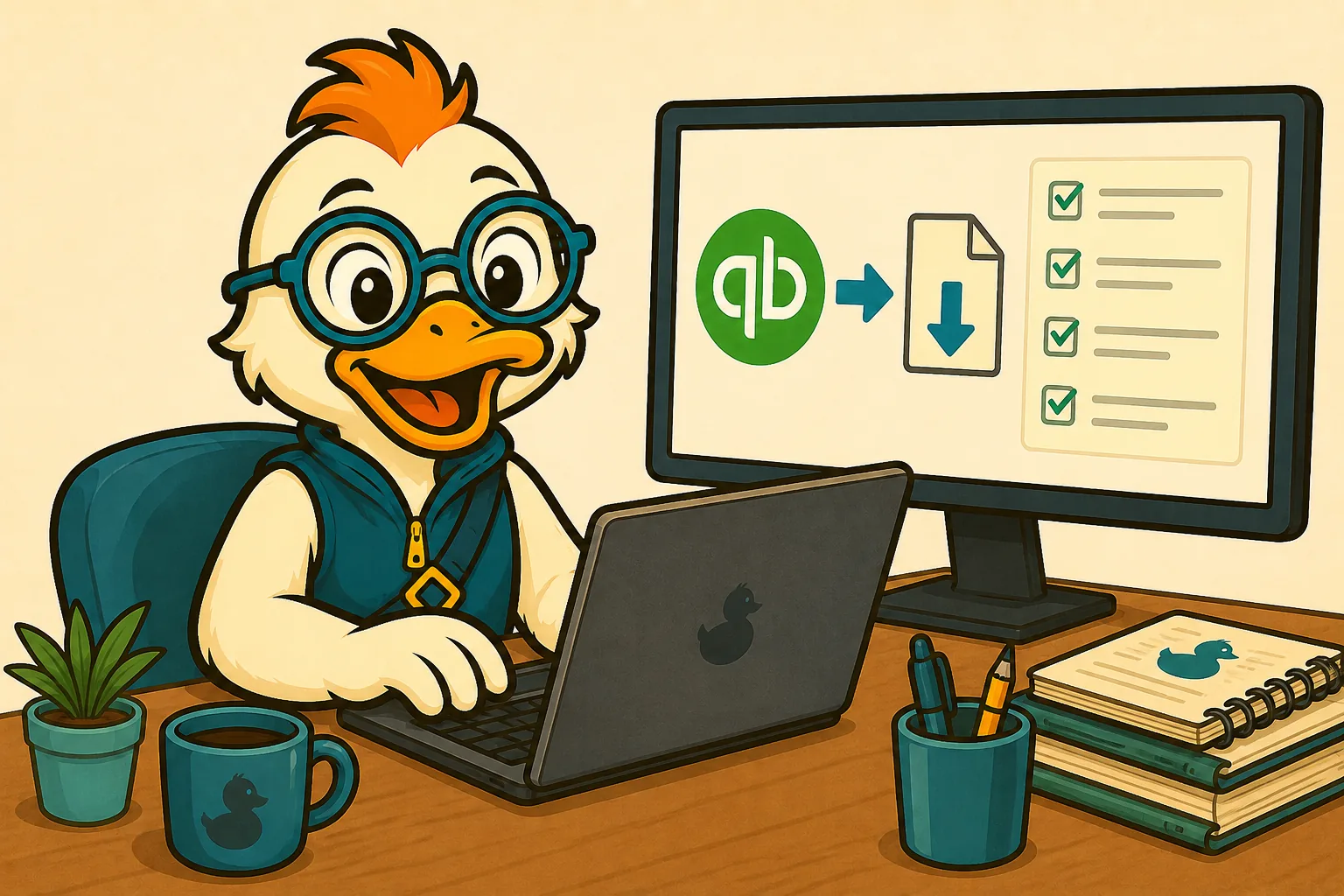
How switching works
- Export your data. Download your transaction and mileage CSVs from QuickBooks Self-Employed. This is the one step you have to do before you can switch from QuickBooks Self-Employed to anything at all, ours included. Our free step-by-step export guide shows you every click, with a printable checklist. Can't get in? Start here: what happened to QuickBooks Self-Employed, and where the login is now.
- Import into ExpenseDuck. Upload the files; we map your history into Schedule C categories and your mileage log.
- Link your bank. New transactions start flowing in automatically from day one.
- Check your tax number. Add your household W-2 info and see your federal set-aside estimate. To try the federal math before you sign up, use the free self-employed tax calculator.
ExpenseDuck produces estimates. It does not give tax advice or file your taxes. Consult a licensed tax professional for your specific situation.
What we kept from QuickBooks Self-Employed, and what we fixed
Kept from QBSE (the good parts)
- The business/personal swipe
- Automatic mileage tracking
- Schedule C categories
- The quarterly tax estimate, the reason you stayed as long as you did
Fixed from QBSE (the parts that burned you)
- Mileage that silently vanished → never silently drop a trip, full-route audit-ready logs
- Mystery auto-categorization → explainable rules you can see and correct
- Locked-up data → one-click export of everything, always
- Solo-income-only estimates → whole-household federal math, with safe-harbor
What imports, and what gets set up fresh
We have a rule: never claim "imports everything" when the source won't export everything. QBSE exports two kinds of data that another tool can import.
| Your QBSE data | What happens | Why |
|---|---|---|
| Transactions | ✓ Imports into ExpenseDuck | QBSE exports these, so your history comes with you. |
| Mileage | ✓ Imports into ExpenseDuck | QBSE exports trip logs, so your deduction record stays whole. |
| Invoices | ↻ Re-created (fast) | QBSE has no invoice export, so no outside tool can import them. |
| Clients | ↻ Re-created (fast) | Same reason: QBSE has no client export. |
| Receipts | ↻ Re-captured going forward | QBSE lets you download receipts as a ZIP file to keep, but we don't import it. Your imported transactions keep their amounts and dates. |
QuickBooks Self-Employed exports 2 datasets that another tool can import, and we import both of them.
Looking at other options? See our comparison of QuickBooks Self-Employed alternatives, including Solopreneur, Simple Start, Wave, FreshBooks, Xero, Zoho Books and a plain spreadsheet, with the rows where they beat us left in.
Questions people ask before they switch
When are quarterly taxes due in 2026?
Four dates, straight from IRS Form 1040-ES for 2026: April 15, June 15, September 15, and January 15, 2027. If a date lands on a Saturday, Sunday or legal holiday, the IRS estimated taxes page says you're on time if you pay on the next business day. You generally owe these payments if you expect to owe $1,000 or more when you file, according to the same IRS page.
Is QuickBooks Self-Employed discontinued?
For new customers, yes. Intuit's help article "Introduction to QuickBooks Solopreneur" says the mobile app "is no longer available for download after March 24, 2024" and points new customers to QuickBooks Solopreneur. If you already subscribe, the same article says you "can still continue your subscription." We last read it on September 6, 2026.
What app replaced QuickBooks Self-Employed?
Intuit sends new customers to QuickBooks Solopreneur. That's from its own help article, "Introduction to QuickBooks Solopreneur," which we last read on September 6, 2026. ExpenseDuck is an independent option built for former QuickBooks Self-Employed users: your transactions and mileage import, and once you add your household W-2 info you'll see your federal set-aside. We're not affiliated with Intuit.
How much should I set aside for taxes as a 1099 freelancer?
Enough to cover the federal tax on your profit after any W-2 withholding in your household. IRS Form 1040-ES for 2026 gives the general rule. Pay in at least 90 percent of this year's tax, or 100 percent of last year's tax if that's smaller. That 100 percent becomes 110 percent if your 2025 adjusted gross income was above $150,000, or above $75,000 if you file married filing separately. ExpenseDuck shows that minimum as your federal set-aside, and it counts your household W-2 wages and withholding.
Does ExpenseDuck calculate quarterly estimated taxes like QBSE did?
Yes. ExpenseDuck works out quarterly and annual federal tax estimates. It combines your freelance profit with your household W-2 income and withholding, and it shows the smallest safe-harbor payment that avoids an underpayment penalty. Estimates are federal-only at launch. ExpenseDuck provides estimates. It doesn't give tax advice, and it never files your taxes.
Bring your history. Keep your peace of mind.
Import your QuickBooks Self-Employed data and see your estimated tax number this week.
One plan at $14.99 a month after a 30-day free trial, and you don't need a card to start. The full ExpenseDuck pricing page has the details.
Get Early Access